Every interaction the standalone iPhone app supports works in
the plugin — touch scratching, pitch fader, loop play — with
the same sub-buffer audio precision and the same physics
underneath.
Format
Standard AUv3 instrument extension
Bundled inside the dSL1200 iPhone app on the App Store. Install the app and the AUv3 extension auto-registers with iOS — discoverable from any AUv3-compatible host's instrument list.
Track Picker
In-pane track browser — no clipped modals
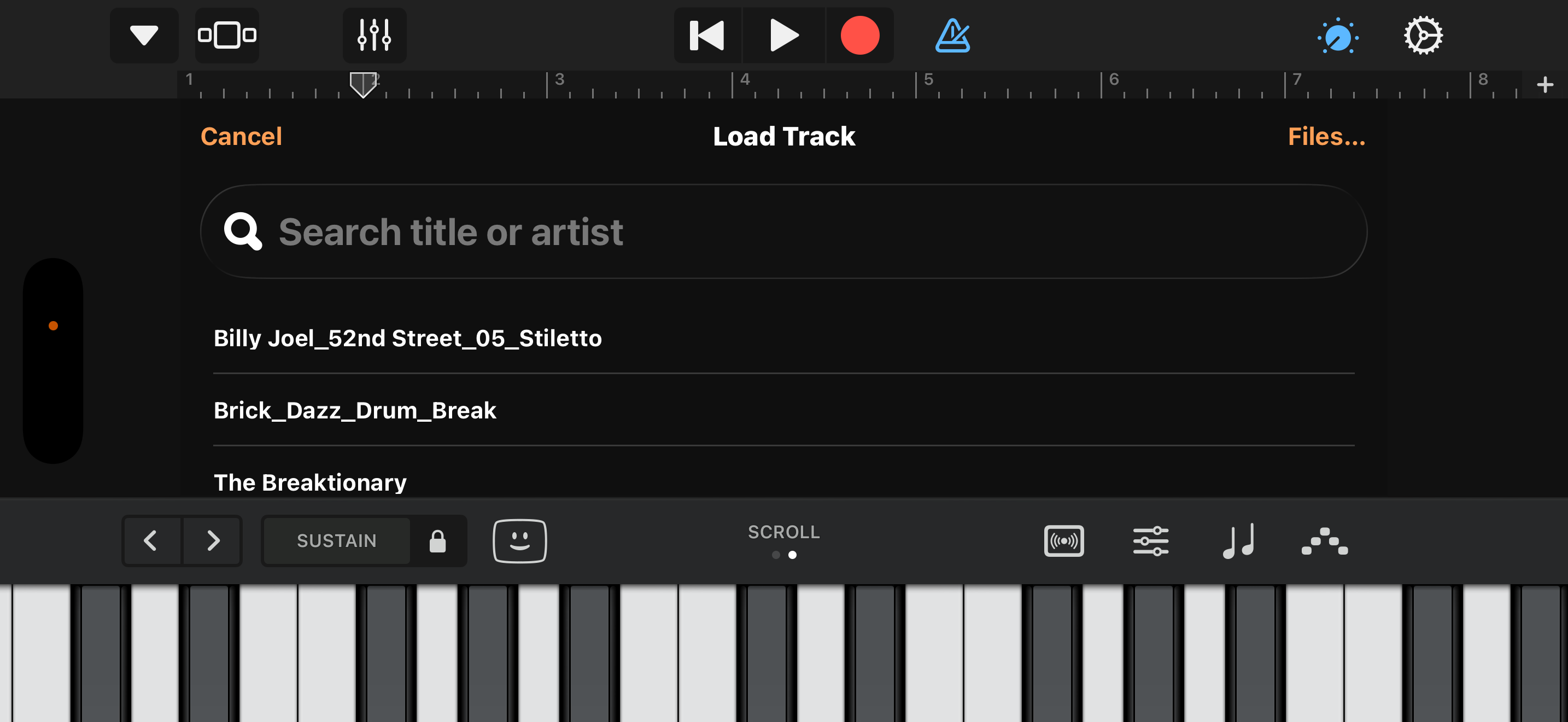
Custom UITableView picker built into the plugin pane, listing your Apple Music library with search by title / artist / album. Bypasses iOS's system pickers, which get clipped to the AUv3 host's tiny pane height and become unnavigable. A "Files…" fallback button drops to the system file browser for non-library tracks.
Drag & Drop
Drop any audio file onto the deck
Drag a WAV, AIFF, MP3, M4A, or CAF directly onto the plugin window from another app via iOS's system drag-and-drop. The track loads into the deck's streaming engine and is ready to scratch immediately.
Scratch
Touch-driven scratch with full PD physics
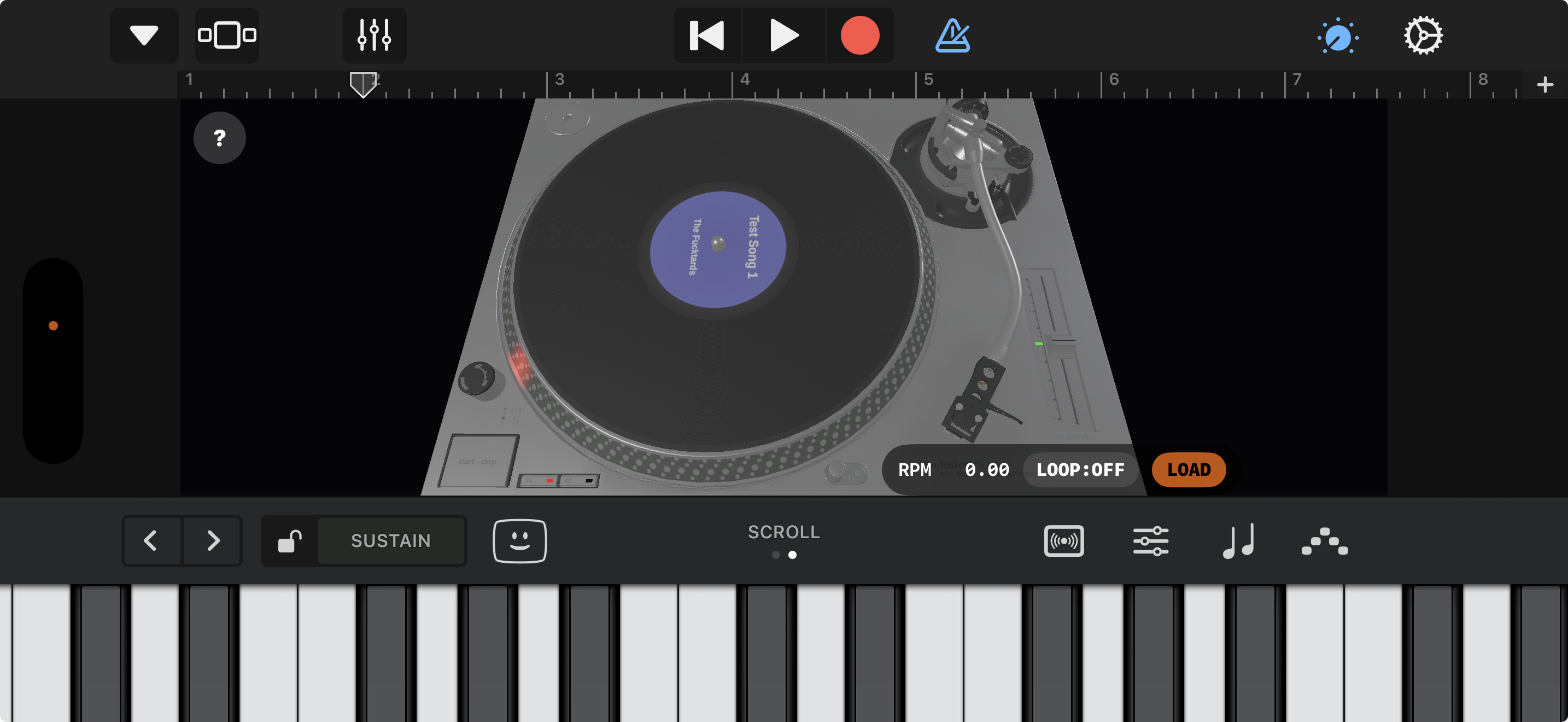
The same touch-to-audio scratch controller that powers the standalone iPhone app, working inside the host pane. Touch the vinyl and drag — the audio rate follows your finger through every back-cue and rub, with the same sub-6 ms response time and the same inertia release.
MIDI
Scratch & pitch from any MIDI source
Plays from any standard MIDI input the host routes in. Pitch-bend wheel drives the deck's scratch controller as a position-based wheel — centre is neutral, deflection scratches the vinyl. Engaging the wheel holds the on-screen vinyl in place (the motor keeps spinning underneath, exactly like a finger on the LP); releasing back to centre lets the slipmat re-couple from the wheel's last velocity. Mod wheel (CC1) drives the ±8 % pitch fader. Both smoothed across the audio buffer so they sound identical to a touch drag, and both host-automatable from track lanes.
Audio
Studio-grade audio path
Adaptive high-resolution rate-dependent sinc resampling keeps fast scratches free of aliasing artifacts. Output is rendered at the host's session sample rate and buffer size — 44.1 kHz / 48 kHz / 96 kHz all supported transparently.
Pitch
Accurate +8 % / −8 % pitch shift
Long-throw pitch fader with center-detent snap. Drag with your finger on the on-screen fader, or drive it from a MIDI controller's mod wheel. Strobe drifts in real time. Pitch can also be automated from the host's track lane for hands-free tempo changes.
Strobe
Quartz-locked rim strobe
The multi-dot rim ring locks at exactly 33⅓ and 45 RPM through honest motor-rate-driven strobe physics. Pitch off center and the dots drift; lock to nominal and they freeze. Identical to the standalone iPhone build.
Loop
Seamless loop play for chopping breaks
Tap LOOP and the track wraps with zero-sample-gap continuity — perfect for cutting up b-boy breaks and drum loops in a session. Loop mode hands off cleanly to the scratch controller, so you can scratch over a looping break without the loop point ever audibly clicking.
Display
120 Hz Metal renderer
Native 120 Hz on ProMotion-equipped iPhones and iPads, 60 Hz everywhere else. Same Metal engine as the standalone app — PBR lighting, real-time reflections, vinyl groove geometry, and live touch-density scaling. ProMotion opt-in is enabled in the extension's Info.plist so the host doesn't silently cap you at 60 Hz.
Layout
Pure UIKit deck — host-pane safe
The renderer's MetalView is a UIKit MTKView inside the AU's view controller, not a SwiftUI wrapper. Avoids the SwiftUI ↔ UIKit boundary glitches that produce off-center / clipped rendering inside iOS plugin hosts; deck always centers and fills the available pane.
Routing
Full DAW integration
Stereo output routes straight into the host's mixer — record the deck to a track, send it to a bus, run it through any AUv3 effect, sidechain off it. Pitch, loop state, and load events save with the host project file via standard AU state persistence.
CPU
Lightweight on the audio thread
The audio render path is hand-tuned C with no allocations, no locks, and no Swift on the audio thread. Typical CPU footprint is well under a percent on Apple Silicon iPhones — small enough to run alongside a full session of plugins without dropouts.
 Audio Unit Extension for iPhone & iPad