Bidirectional MIDI sampler bridge for macOS
A modern, native bridge between macOS and the E-mu SP-1200 — the 12-bit sampler that defined hip-hop's sound. Receive, edit, and send samples over MIDI System Exclusive in seconds, without vintage editors or hardware workarounds.
The E-mu SP-1200, released in 1987, defined the texture of an entire era of music — its 26.04 kHz, 12-bit grit became the signature sound of golden-age hip-hop and remains in active use four decades later. Its sample memory, however, lives behind a quirky front-panel workflow and a MIDI Sample Dump Standard implementation from the era when MIDI 1.0 was still new.
SP-1200 Sample Dump is a small, focused macOS app that handles both ends of that protocol — pulling samples off the SP-1200 to your Mac, and pushing audio files onto any pad — using the byte-and-timing exact specification published by E-mu in the SP-1200 owner's manual. Nothing reverse-engineered, nothing approximated. The same dump handshake the original software shipped with in 1987, implemented natively on Apple Silicon.
The whole app is two operations in opposite directions, with the waveform editing and audition you'd expect from a modern audio tool layered on top.
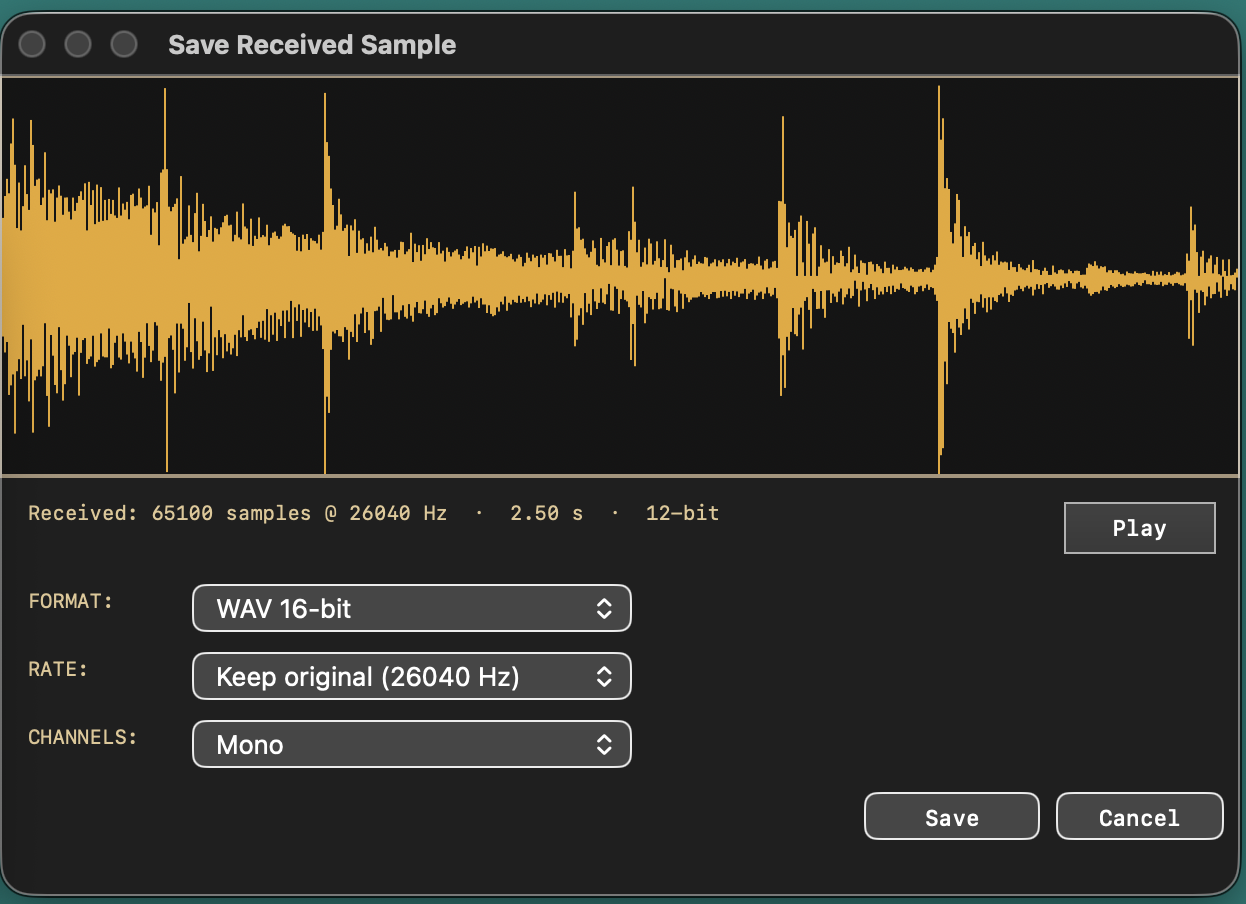
Click RECEIVE, then trigger a sample dump from the SP-1200's front panel. The full ACK/NAK handshake runs to completion with a live progress bar; on success a save panel opens with waveform preview, audition playback, and format/rate/channel options.
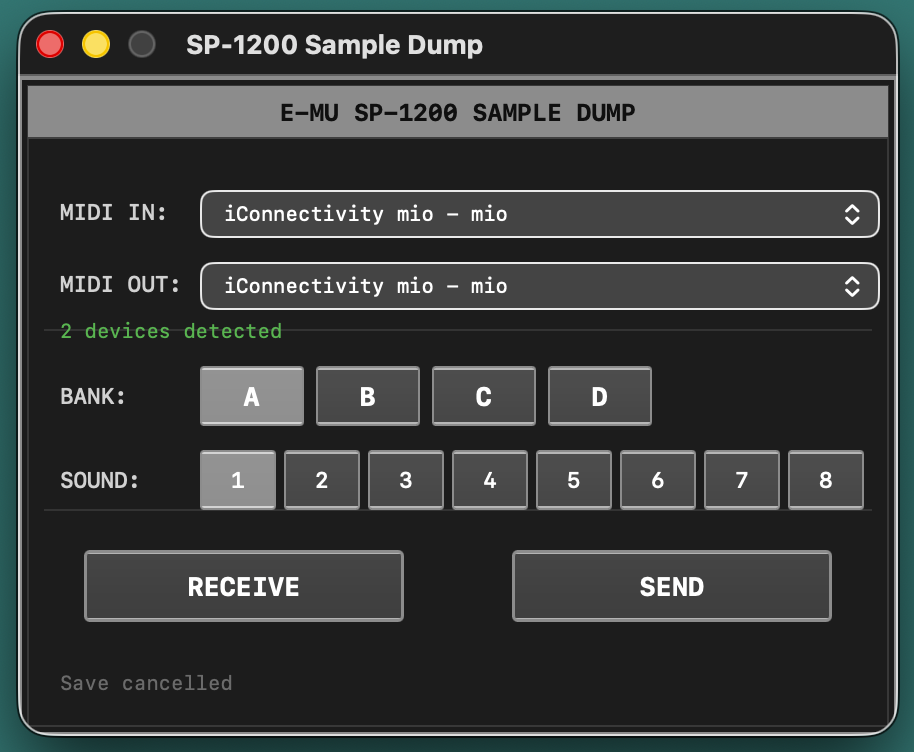
Pick a destination Bank (A–D) and Sound (1–8), choose any audio file in the system file picker, and the app handles all 12-bit conversion, resampling to the SP-1200's native 26.04 kHz, and the multi-packet upload with full handshake.
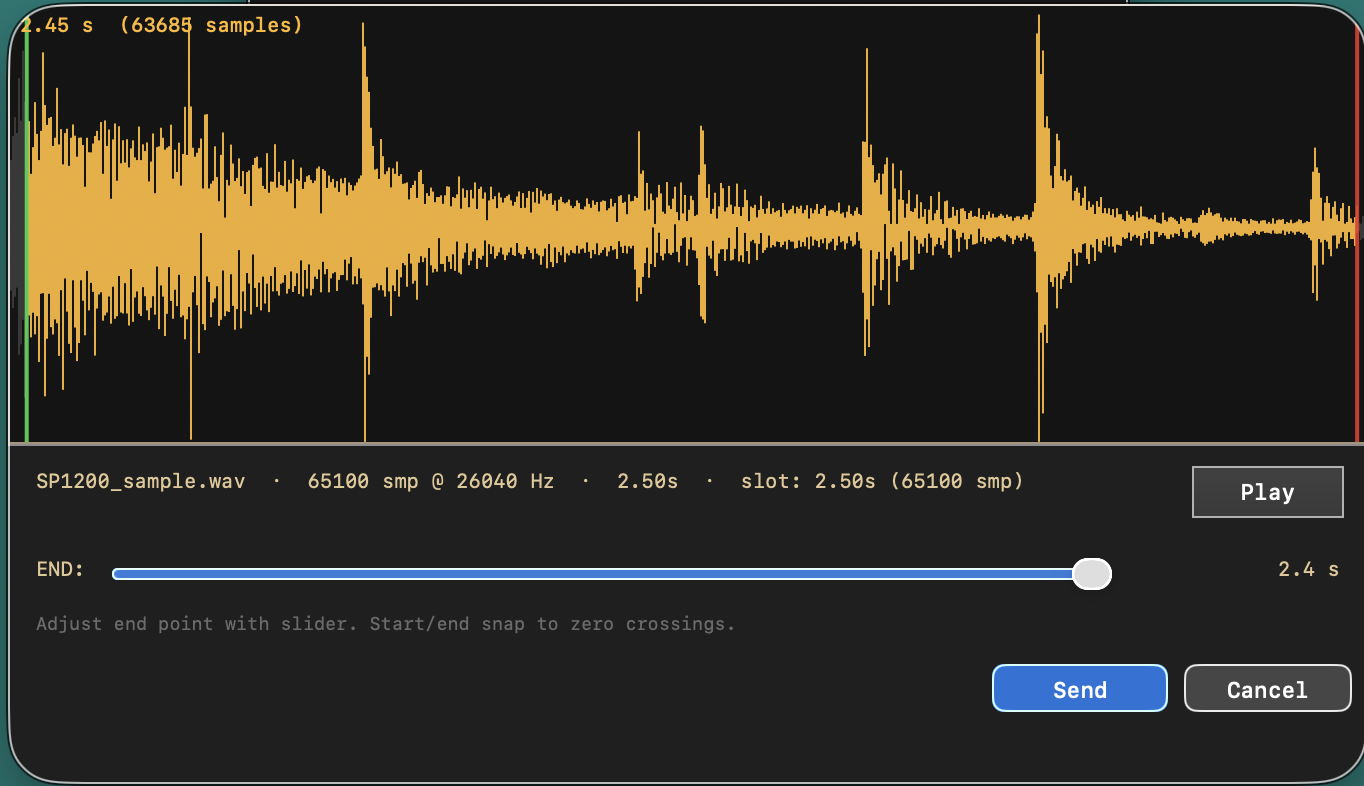
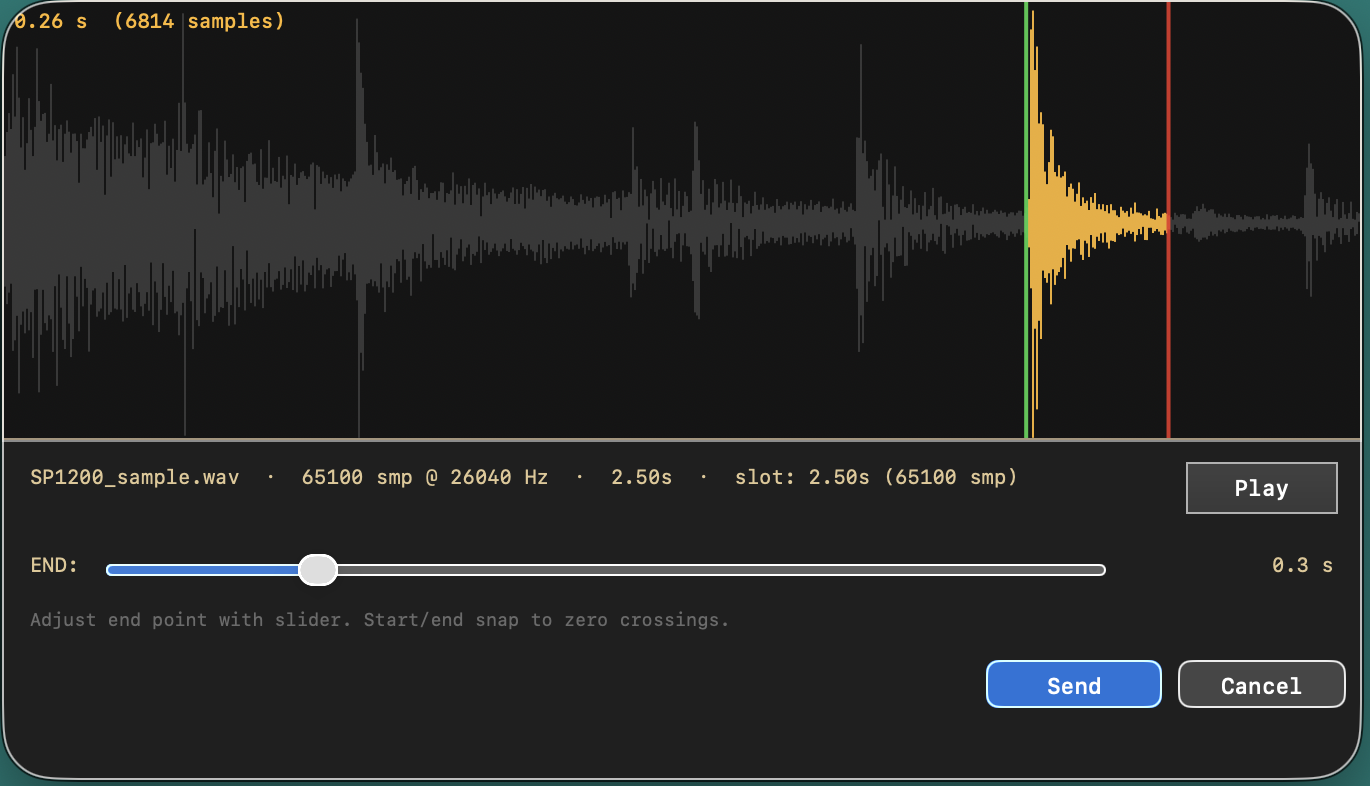
Each pad holds at most 2.5 seconds of audio. If your file is longer, the send-prep panel shows the waveform and lets you click anywhere to set a start point, then drag a 0.1 s-step end slider — both snapped to the nearest zero crossing — to define exactly which 2.5 s slice gets uploaded. The entire file is loaded into memory with no upfront truncation, so you can scrub through and pick any 2.5 s slice you want. Audition the 12-bit-quantized result before committing.
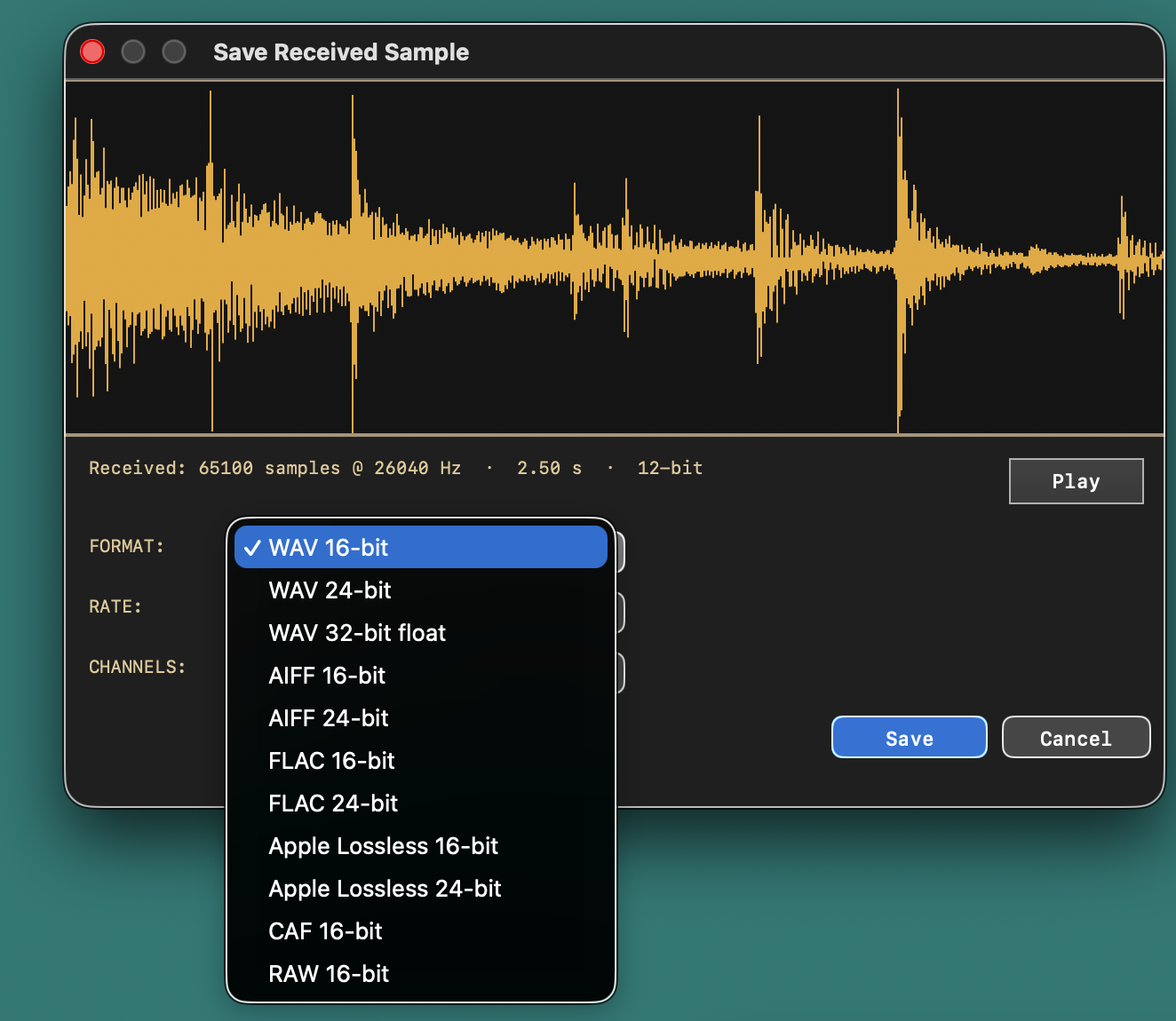
Loads WAV, AIFF, CAF, MP3, AAC/M4A, FLAC, and Apple Lossless via Apple's native AVFoundation. Saves received samples as WAV (16/24-bit, 32-bit float), AIFF (16/24-bit), FLAC, Apple Lossless, CAF, or headerless RAW — all at any sample rate, mono or stereo.
MIDI interfaces are detected as soon as you connect them — no relaunching, no manual rescan. Last-used MIDI IN and MIDI OUT device names are remembered between launches; if the same devices are still connected when you reopen the app, they're auto-selected. Configure once, ship.
Audio decoding, resampling, and encoding all use Apple's CoreAudio / AVFoundation stack. There are no statically linked third-party codecs, no GPL or LGPL components, no helper binaries — just a single signed app that runs in Apple's App Sandbox.
The SP-1200's MIDI Sample Dump implementation only accepts new sample data into a slot that already contains a sample. This is a hardware-side rule from 1987, not an app-side limitation. Here's how to prepare a destination pad on the unit.
A pad needs any sample in it — silence is fine — for the SP-1200 to accept an incoming dump. The procedure below is from Section 4 of the SP-1200 owner's manual ("Sampling Your Own Sounds"). The SP-1200 auto-assigns new samples to the lowest empty pad — you don't have to pick one — so unless you want to override the destination, you're just doing four keystrokes.
The MMA Sample Dump Standard works in both directions, but the receiver — this app — has to be armed and listening before the SP-1200 starts transmitting. The order of operations matters.
The procedure below is from Appendix G of the SP-1200 owner's manual ("Special Functions" / "Tx SOUND DUMP"). Click RECEIVE in the app first, then trigger the dump from the SP-1200's SPECIAL 23 function.
A few of the panels you'll spend time in.
Load any audio file. The waveform is shown in full; the highlighted region is what gets uploaded to the SP-1200's slot.
For files longer than 2.5 s, click anywhere on the waveform to set the start point — both ends snap to the nearest zero crossing. Audition the 12-bit-quantized region before sending.
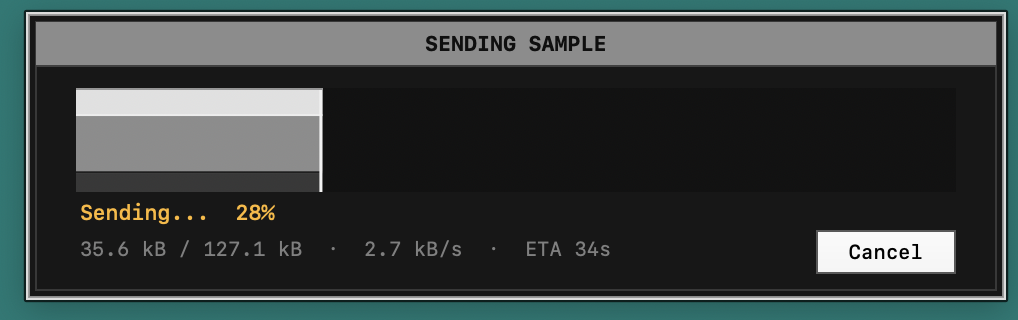
Cell-shaded progress with live byte counts, throughput, and ETA. The protocol's full ACK / NAK handshake runs underneath — every packet acknowledged, no fire-and-forget.
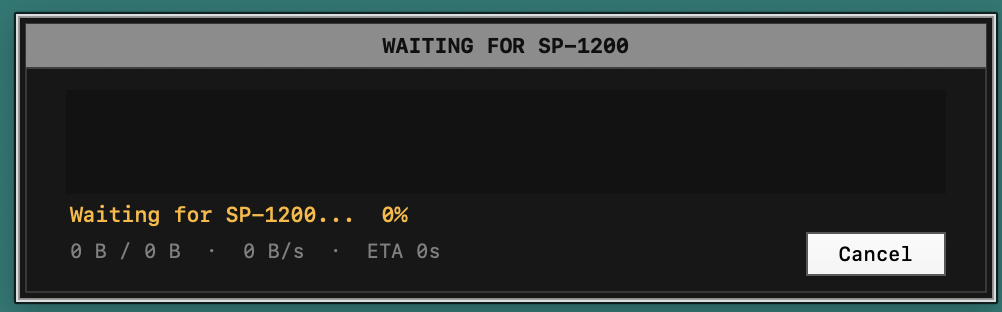
Click RECEIVE first, then trigger the dump on the SP-1200. The title bar flips to Receiving Sample the instant the dump header arrives.
Audition what you received, then save in any supported format and rate. Drag the panel anywhere on screen — it stays put when you alt-tab to operate the SP-1200.
WAV (16/24-bit, 32-bit float) · AIFF (16/24) · FLAC (16/24) · Apple Lossless (16/24) · CAF (16) · RAW (16). All written via Apple's CoreAudio — no third-party codecs in the binary.
Sample Dump Standard is a finicky protocol — packet-based, ACK/NAK handshaked, with strict timeout windows and per-packet checksums. Getting it right end-to-end is the whole job.
Every packet is acknowledged or retransmitted per the MMA Sample Dump Standard. Wait/Cancel responses from the SP-1200 are honored; timeouts cause clean recovery instead of a silent partial transfer.
Audio is decoded to float, resampled to the SP-1200's exact 26.04 kHz rate using AVAudioConverter's mastering algorithm, then re-encoded into the 12-bit complement-offset-binary format the SP-1200 expects on the wire. No loss beyond what 12 bits can hold, no off-by-one truncation.
When trimming a longer file down to a 2.5 s slot, both the start point and the end slider snap to the nearest zero crossing in the source waveform. This eliminates the click artifacts that vintage editors used to leave at slot boundaries.
Both the send-prep and receive-save panels include a Play button that auditions the exact 12-bit-quantized signal at the SP-1200's native rate, monitored at 44.1 kHz so you hear the result you're about to commit before MIDI runs.
If the SP-1200's slot is shorter than what the app is sending, the SP-1200's firmware truncates cleanly per the dump spec — and the app reports a successful transfer. No partial-write corruption, no protocol stalls.
The app ships sandboxed with no network entitlement and no library-validation bypass. File access is limited to user-selected files; MIDI access is brokered through the system. App Store review-ready out of the box.